
How to Summarise a Long PDF With AI Without Losing Important Details
A repeatable method to summarise lengthy PDFs, capture page references and check whether AI omitted crucial details.
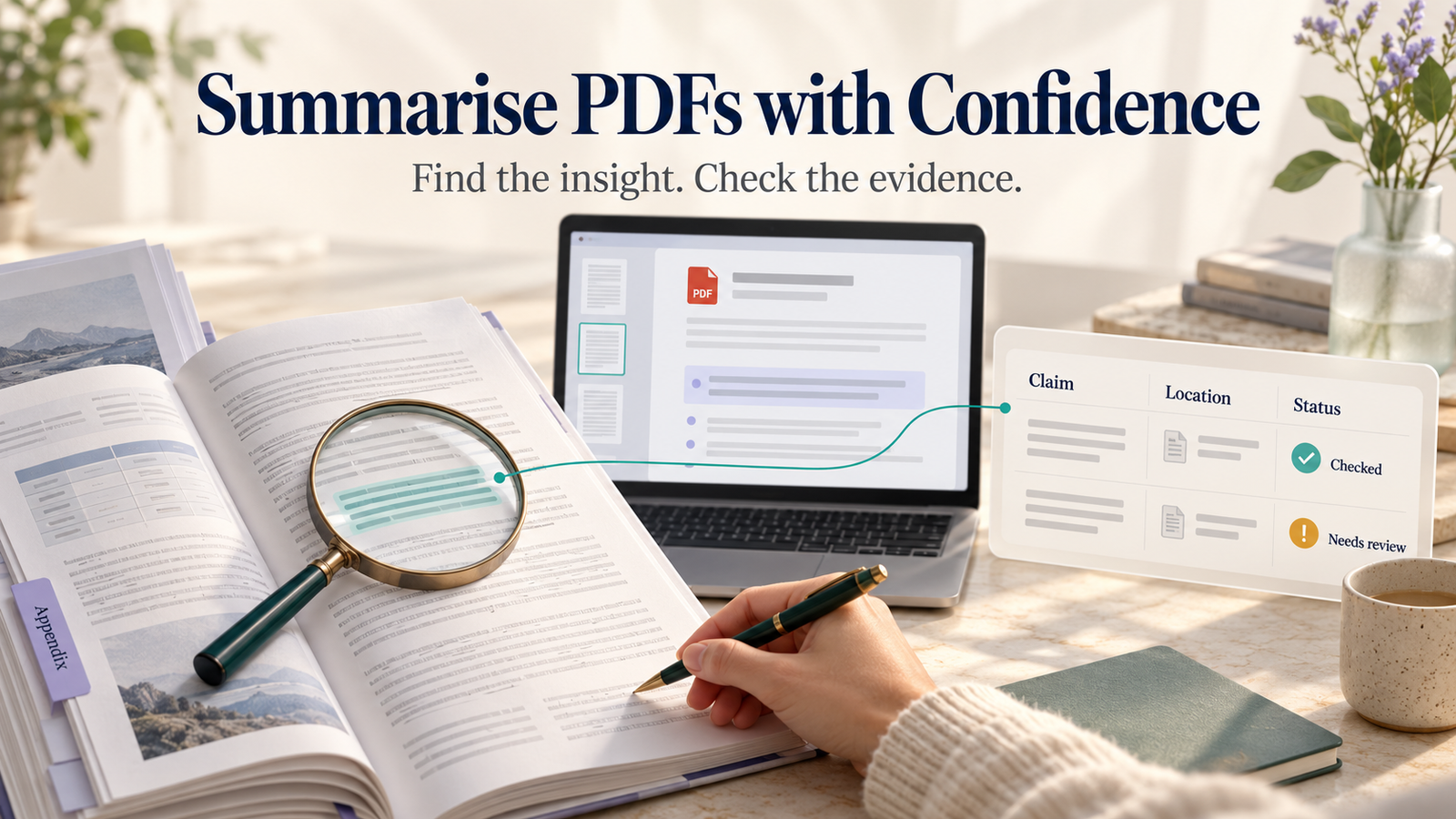
A thirty-page policy document can be reduced to three tidy paragraphs in seconds. That doesn't mean the result is useful. The line you needed may have been in an appendix, a footnote or a table the AI did not read correctly.
When summarising a long PDF, speed matters less than traceability. A good summary tells you what the document says, where it says it and what still needs checking. That is what this workflow is designed to produce.
Choose the type of summary before you upload anything
There are at least four different jobs people mean by 'summarise this PDF': a quick overview; a decision brief; a list of facts and numbers; or a detailed study guide. An assistant cannot know which matters unless you specify it.
Ask yourself: Who will read the summary? What decision depends on it? Are page references necessary? Which topics must not be skipped? A page-by-page reading guide serves a student; a list of contract obligations serves a project manager. Neither can be replaced by one generic paragraph.
Step 1: Check whether the document is safe to upload
A bank statement, client contract, staff file or medical record should not be uploaded to a personal AI tool without appropriate authority. Review your organisation's rules and the provider's current retention and privacy controls. If needed, remove identifiers or use an approved enterprise environment.
ChatGPT supports document uploads on eligible plans and products, but its file handling documentation makes clear that file capabilities and visual extraction can differ by plan and document type. In particular, don't assume every scanned page, chart or embedded image was interpreted correctly.
Step 2: Check the PDF before asking for analysis
Open the file and try selecting text from the middle of a paragraph. If you can select it cleanly, text extraction is likely to be easier. If the page is an image of printed text, the tool may need optical character recognition, and accuracy will depend on document quality and supported features.
Inspect tables, rotated pages, footnotes, illustrations and appendices. If the facts you need live inside a complex chart, a text-only extraction may miss them. Work from the original page when necessary.
Step 3: Ask for a structured first pass
Summarise the attached document for a [role]. Provide: a 120-word overview, the five most important findings, decisions or obligations, any dates or quantities, and unanswered questions. Attach page references where they are available. Mark items whose page reference you cannot verify as 'check original'. Do not invent missing information.
This prompt does not guarantee perfect citations. Its value is that it forces the assistant to expose uncertainty instead of disguising it.
Step 4: Run a second pass for omissions
The first summary will often favour material repeated near the start. Ask for targeted sweeps: 'List all deadlines', 'Find exclusions and exceptions', 'Summarise Appendix B', 'Identify statements that contradict the conclusion'. Specific follow-up questions can surface details that a general executive summary missed.
For a contract or policy document, search for words such as 'except', 'unless', 'shall', 'may', 'termination', 'liability' and 'effective'. These often change the meaning. This is a reading tactic, not legal advice. For a research report, inspect methodology, limitations, sample size and date of data collection.
Step 5: Build a tiny evidence table
Use three columns:
- Claim: 'The implementation must be completed within 30 days.'
- Location: 'Page 12, section 4.2'—only if you actually verified that reference.
- Confidence: 'Checked against original' or 'Needs review'.
The claim above is hypothetical. The important habit is distinguishing a confirmed line from something merely suggested by the summary.
If you cannot find a sentence at the cited location, don't keep the reference. Ask the model to find the passage again, but return to the PDF yourself for the final check.
Step 6: Make the output useful, not just shorter
For a team meeting, convert the PDF into a one-page decision brief: background, proposed action, risk, owner and open question. For a course, turn it into definitions, concepts, self-test questions and sections to reread. For market research, produce a comparison table with dates and primary-source links.
Prompt for a study guide: 'Create ten questions that test understanding rather than memorisation. Give short answers and name the relevant section of the PDF. Identify anything dependent on a figure or table that may not have been extracted.'
Prompt for a project brief: 'Extract concrete actions, deadlines and owners. Do not assign an owner if the document does not name one. Separate mandatory requirements from suggestions.'
Five things you should never assume
- The assistant read every page correctly.
- A page number is correct because it looks precise.
- A scanned table was parsed without column shifts.
- A summary contains every legal or technical caveat.
- The document remains current simply because the PDF was uploaded today.
A final review should include opening the original PDF at each critical fact. That is particularly important for health, law, money, safety, and anything a customer will rely on.
FAQs
Is a PDF summary the same as a legal review?
No. An AI summary can help you find clauses and questions. It is not a substitute for a qualified professional reviewing an important agreement.
What if the assistant cannot read a chart?
Inspect the chart manually or use an approved tool that can analyse the visual page. Do not guess missing values from surrounding prose.
Should I upload the whole file or split it into sections?
Start with the full document if your tool supports it, then isolate tricky sections for closer examination. Very long or highly structured documents may benefit from smaller, carefully labelled chunks.
The strongest PDF summaries are not the ones that sound most polished. They are the ones that let somebody else find the evidence in a few clicks.